What Is On-Call Management? A Complete Guide
Introduction: The Pain of 2 A.M. Alerts
If you’ve ever been responsible for keeping a system running, you know the feeling: your phone rings at 2 a.m., and suddenly you’re the only thing standing between uptime and a major outage. On-call duty is a reality for modern engineering teams but without the right system, it quickly becomes stressful, chaotic, and error-prone.
That’s where on-call management comes in. A good on-call process ensures that incidents are routed to the right people, handled quickly, and documented clearly. So teams stay reliable without burning out.
In this guide, we’ll break down what on-call management is, why it matters, the challenges teams face, and how modern tools like Parny can make it easier. We’ll also walk through how to use Parny in real life and how to benefit from its full stack of features.
What Is On-Call Management?
On-call management is the structured process of handling alerts and incidents when systems go down or show signs of trouble.
In modern engineering teams, systems can fail at any hour; servers crash, APIs go unresponsive, databases become slow, or critical services suddenly stop working. On-call management ensures that when these issues occur, someone is immediately aware and can respond, rather than letting the problem escalate unnoticed.
At its core, it ensures that:
- Alerts reach the right person at the right time: Notifications can be sent via multiple channels; phone calls, SMS, push notifications, email, or chat tools like Slack and Teams. In critical cases, tools can literally wake up the on-call engineer in the middle of the night to ensure no downtime goes unnoticed.
- Duty rotations are fair: On-call schedules distribute responsibility across the team so that no single engineer is overburdened with nights, weekends, or holidays.
- Escalations are automatic: If the first responder doesn’t acknowledge an alert within a set time, it escalates to the next person or team, preventing delays in critical response.
- Incidents are tracked and documented transparently: Alerts can be grouped into incidents, roles and responsibilities are clear, and postmortem reports capture actions and decisions for future learning.
Typical features of on-call management include:
- Duty Rotations (Schedules): defining who is on call, when, with fair rotation logic.
- Escalation Policies: if one person doesn’t respond, escalate to the next person or team.
- Multi-Channel Notifications: Slack, Teams, email, push, SMS etc.
- Incident Tracking & Postmortems: grouping alerts, tracking start/end, roles, decision logs.
Why Do Teams Need On-Call Management?
Without a clear process, incidents turn into chaos:
- Alerts get lost or ignored.
- Multiple engineers scramble on the same problem.
- Nobody is accountable.
- Huge stress, burnout, low morale.
With on-call management, teams gain:
- Reliability; better uptime, faster response.
- Accountability & clarity: everyone knows who does what.
- Efficiency; fewer duplicated efforts, less noise.
- Continuous learning; postmortems, trend analysis.
Common Challenges in On-Call Management
Even there is a big progress when you use on-call management tools, you still might struggle with:
- Alert Fatigue, too many irrelevant or duplicate alerts.
- Poor Filtering / Prioritization, low threshold alerts drown out the critical ones.
- Difficulty with Dependencies / Root Cause, not seeing how services connect makes debugging slow.
- Lack of visibility into SLA status, metrics, past incidents.
- Onboarding & Handoff Issues, incoming on-call engineers often lack full context on ongoing incidents.
Key Features of Parny (parny.io) That Solve On-Call Challenges
Modern engineering teams face constant pressure: alerts coming from multiple monitoring tools, unclear responsibilities, and the stress of midnight wake-up calls. Parny is built to tackle these challenges head-on, providing a full suite of on-call management features. Here’s a deep dive into its core capabilities and how they help your team stay reliable.
1. AI-Powered Anomaly Detection
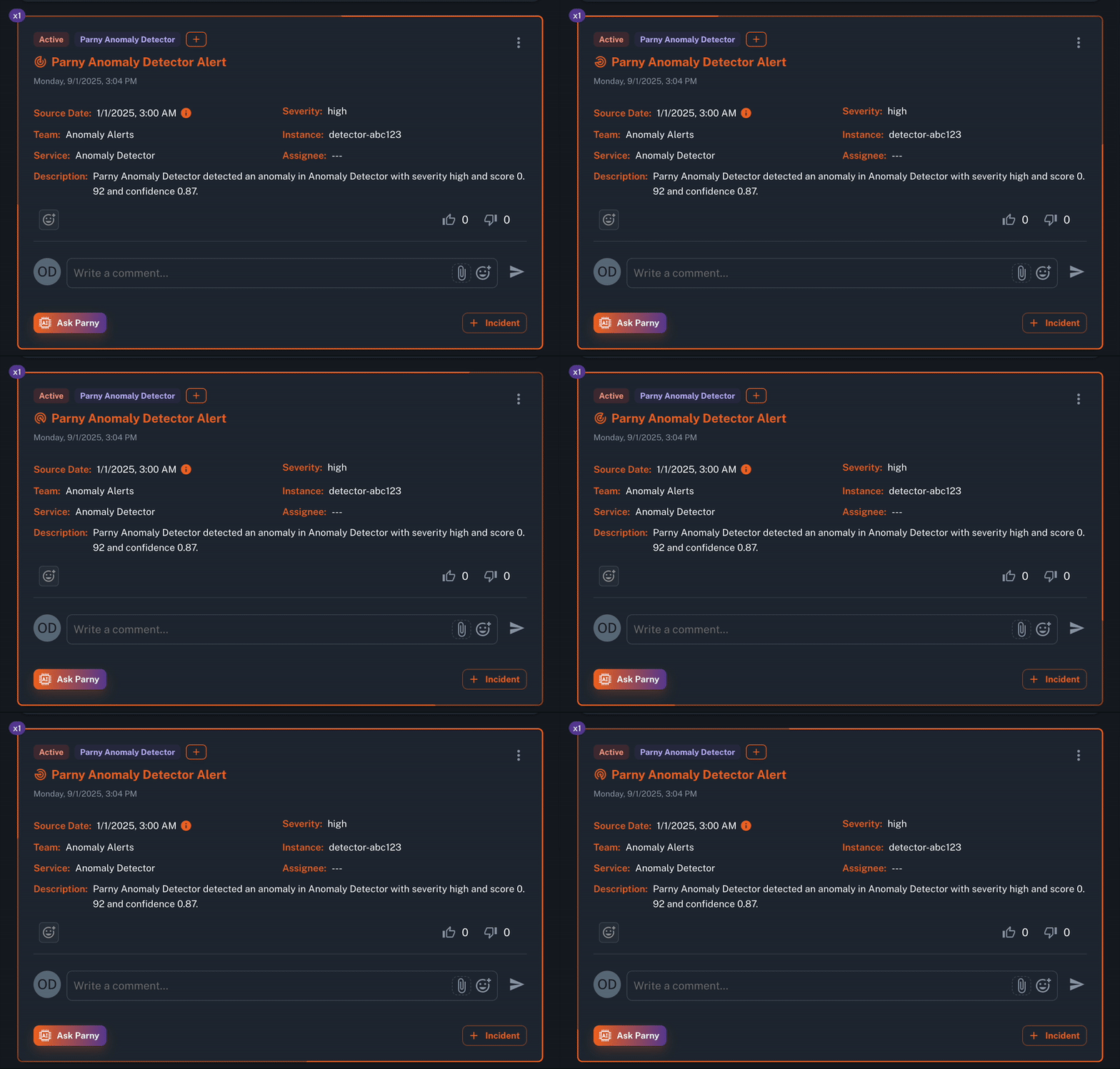
Parny continuously scans all incoming alerts in real time from your various monitoring tools. Its AI analyzes patterns, detects unusual spikes, rare events, and correlations across multiple sources. It also reduces noise by grouping similar alerts and filtering duplicates.
Benefits / Use Cases:
- Detect issues before they escalate into outages.
- Reduce “false alarms” and avoid alert fatigue.
- Prevent duplicated alerts from multiple tools, giving engineers a clearer picture of what actually matters.
2. On-Call Management
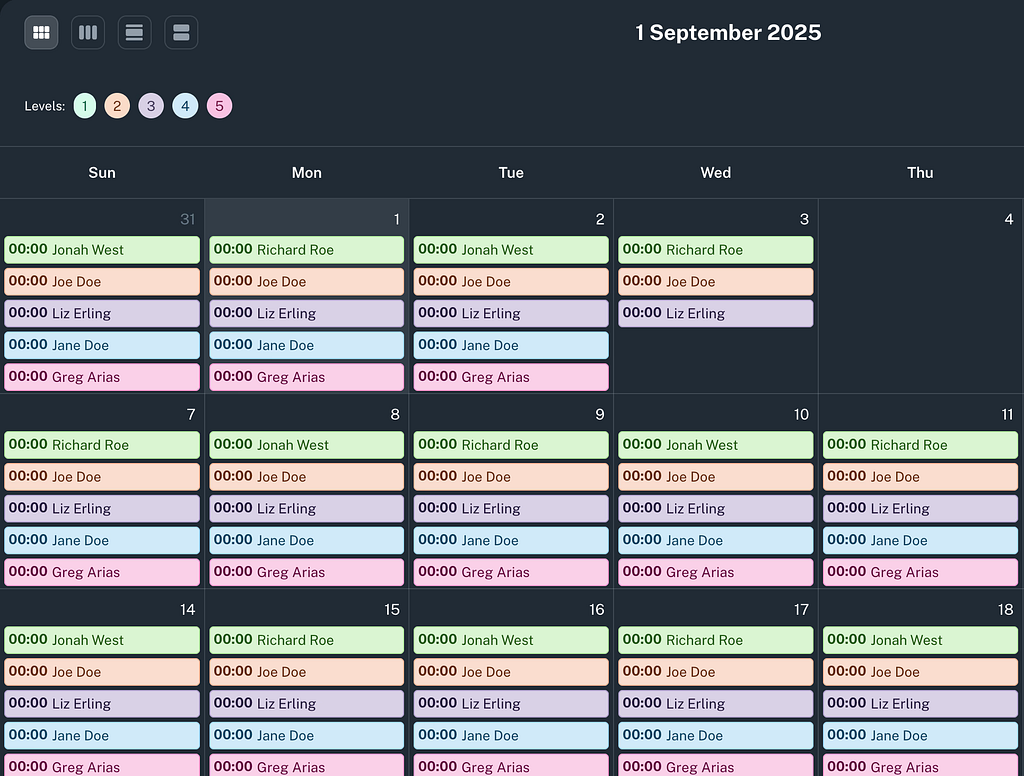
Parny offers robust on-call management capabilities, including:
- Shift Scheduling: Easily create and manage on-call schedules.
- Escalation Policies: Define custom escalation paths to ensure timely response.
3. InfraMap (Real-Time Infrastructure & Dependency Mapping)
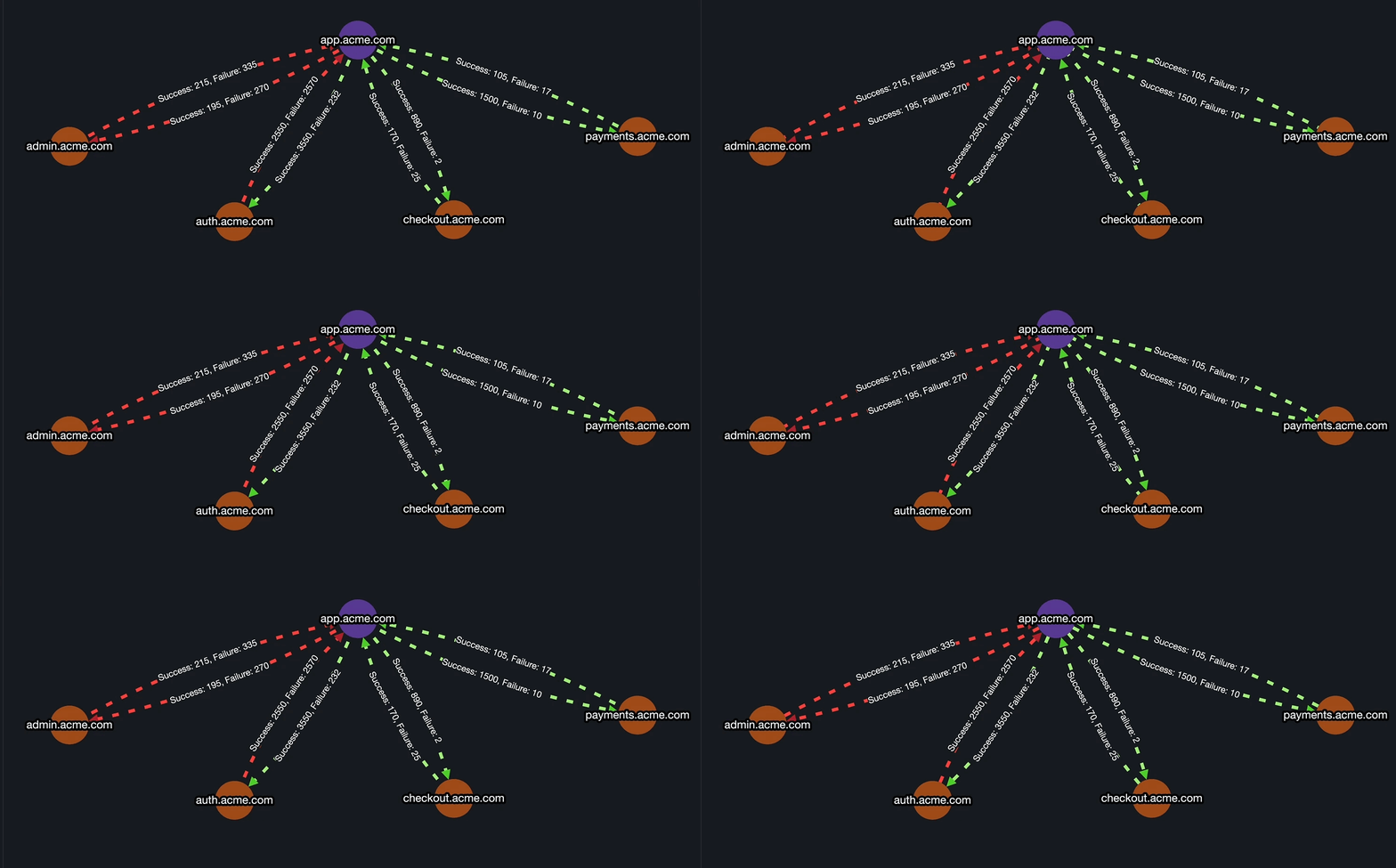
Parny provides a live, visual map of all your services and their dependencies. This makes it easy to see how an upstream failure might affect downstream systems.
Benefits / Use Cases:
- Quickly identify the root cause of incidents.
- Triaging becomes faster and more accurate.
- Team members gain a better understanding of system impact during outages.
4. Uptime Pulse (“Parny Pulse”)
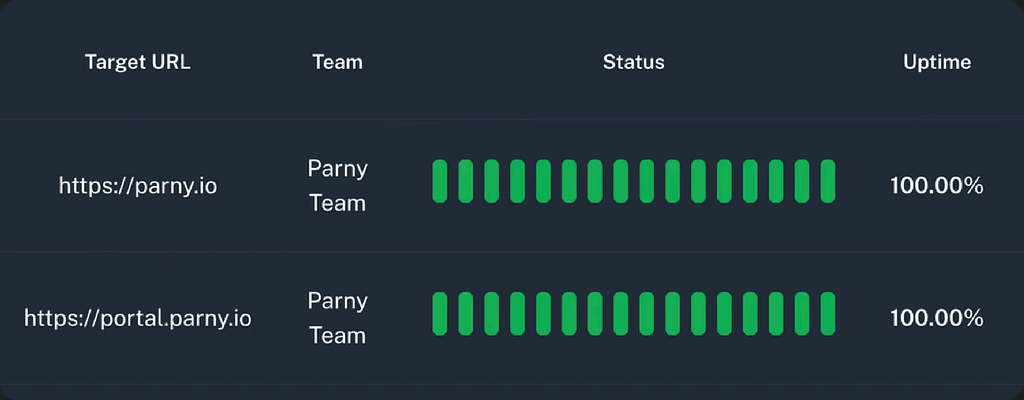
Parny Pulse monitors critical services with real-time heartbeat checks, usually every minute. If a service goes down silently -without triggering an alert- Parny sends an immediate notification.
Benefits / Use Cases:
- Catch silent failures before users notice.
- Maintain higher SLAs and improve user experience.
- Track uptime trends over time to proactively improve reliability.
5. Alert Rules, Filtering & Prioritization
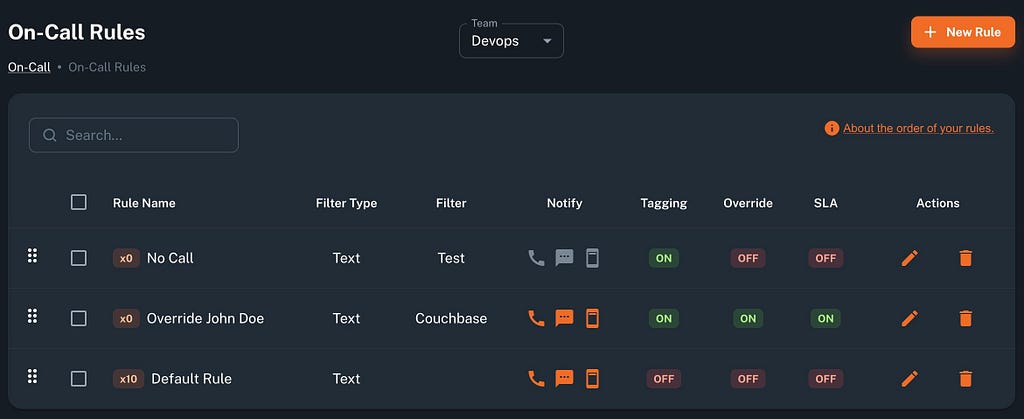
Parny allows you to define complex alert rules: filter by severity, source, or message patterns, and tag alerts for easier handling. Rules are processed in order, ensuring the first match triggers the right action.
Benefits / Use Cases:
- Reduce alert fatigue by filtering out low-impact alerts.
- Ensure only urgent, relevant notifications reach engineers.
- Customize per team or service, making alerts actionable.
6. Incident Management
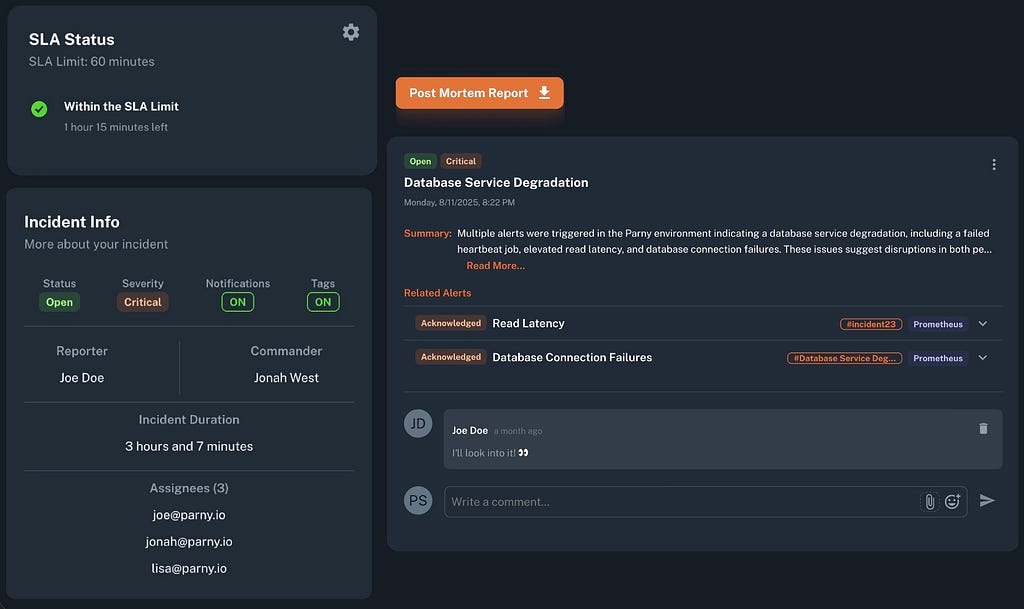
When multiple alerts are related, Parny groups them into a single incident. Teams can assign a commander, set assignees, and define automatic escalation rules. Postmortem reports are generated automatically.
Benefits / Use Cases:
- Clear ownership and accountability during incidents.
- Reduce duplicated efforts across the team.
- Learn from incidents with actionable reports and metrics.
7. Integrations With Your Existing Stack
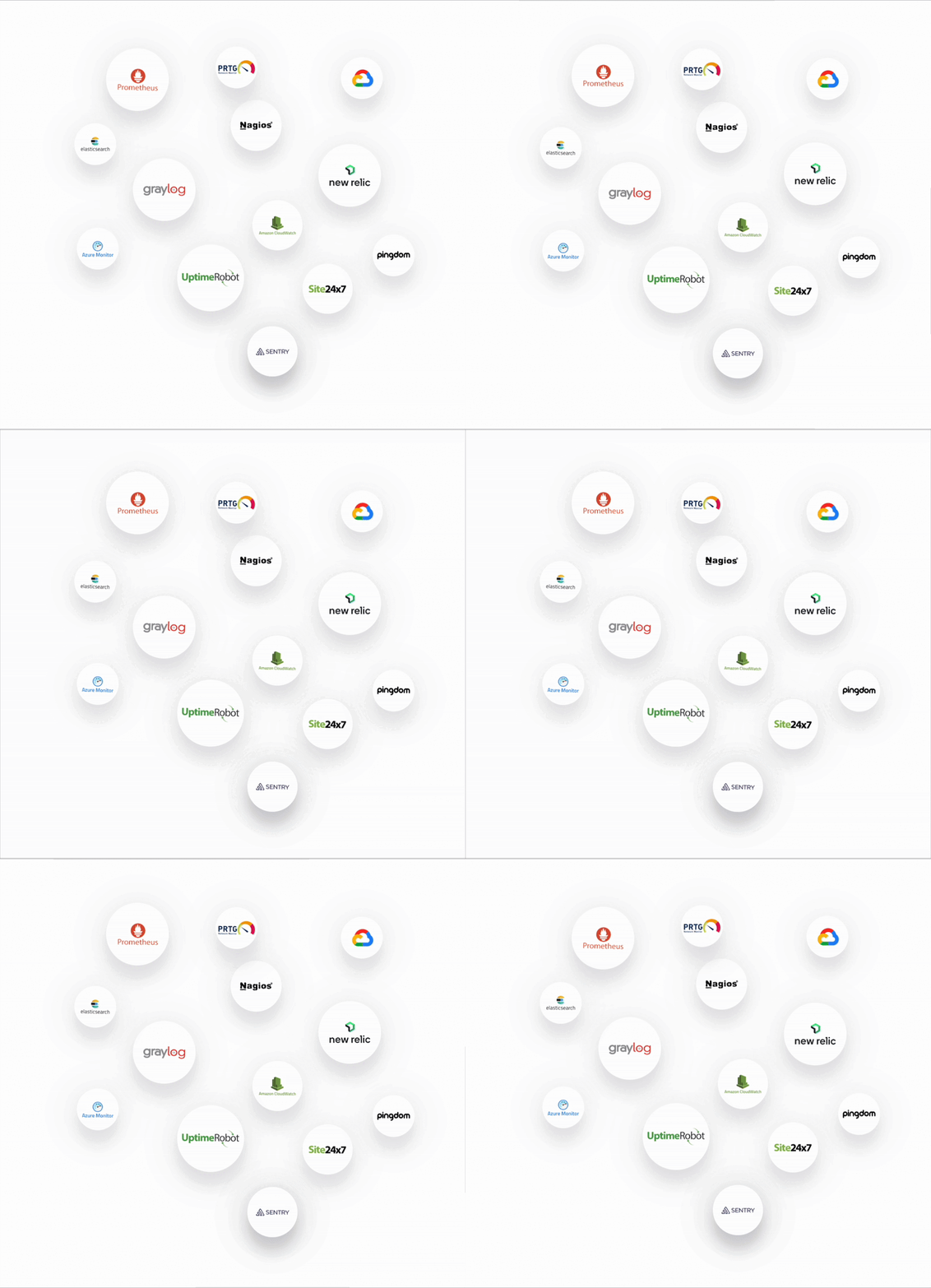
Parny connects to over 40 popular monitoring tools, cloud services, and communication platforms like Slack, Teams, Prometheus, and AWS. You can also configure custom webhooks.
Benefits / Use Cases:
- Easily integrate without reworking your current monitoring setup.
- Maintain continuity across multiple alert sources.
- Notifications and escalations flow directly into tools your team already uses.
8. SLA Tracking
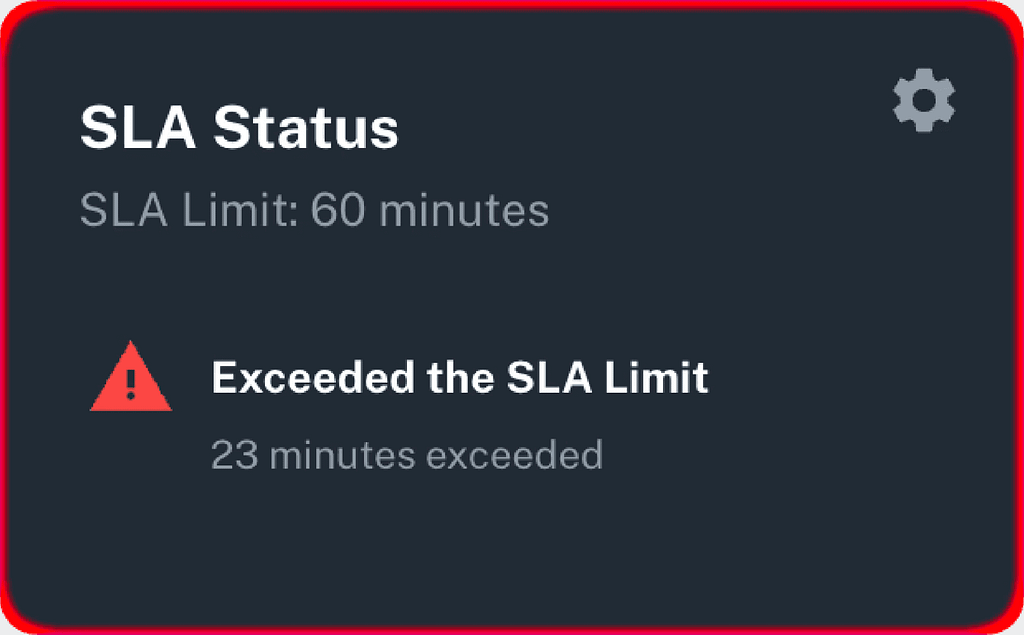
Parny allows teams to monitor Service Level Agreements (SLAs) in real-time. This feature provides alerts before SLA breaches occur, helping teams maintain service reliability and meet their commitments.
9. AI Assistant
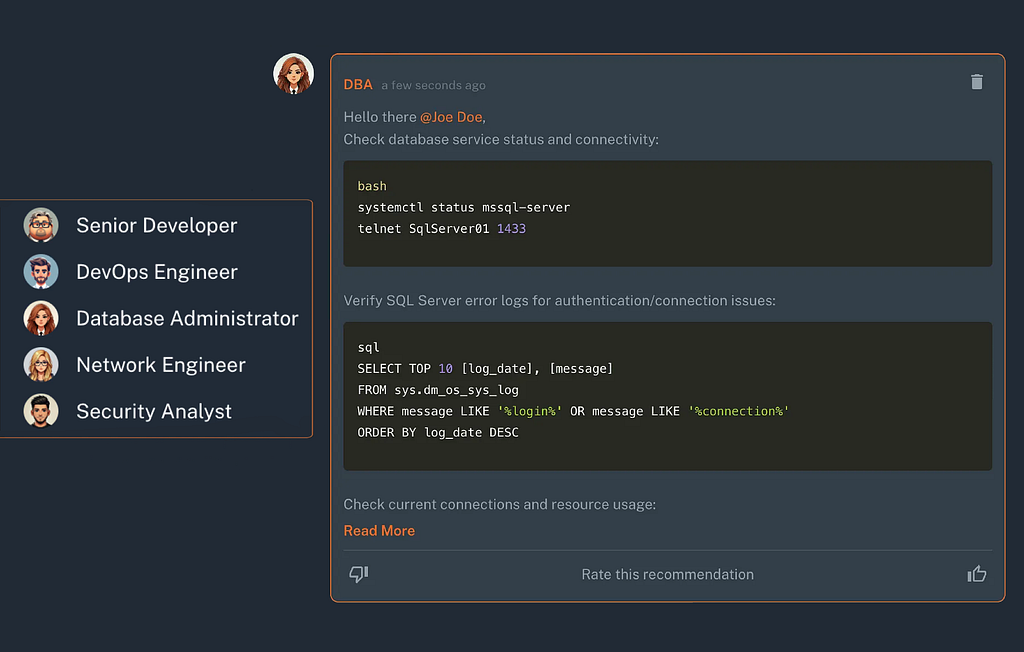
Parny’s AI assistant helps investigate alerts, suggests actions, and accelerates resolution times. By leveraging AI, teams can respond to incidents more efficiently and effectively.
10. Parny Heartbeats
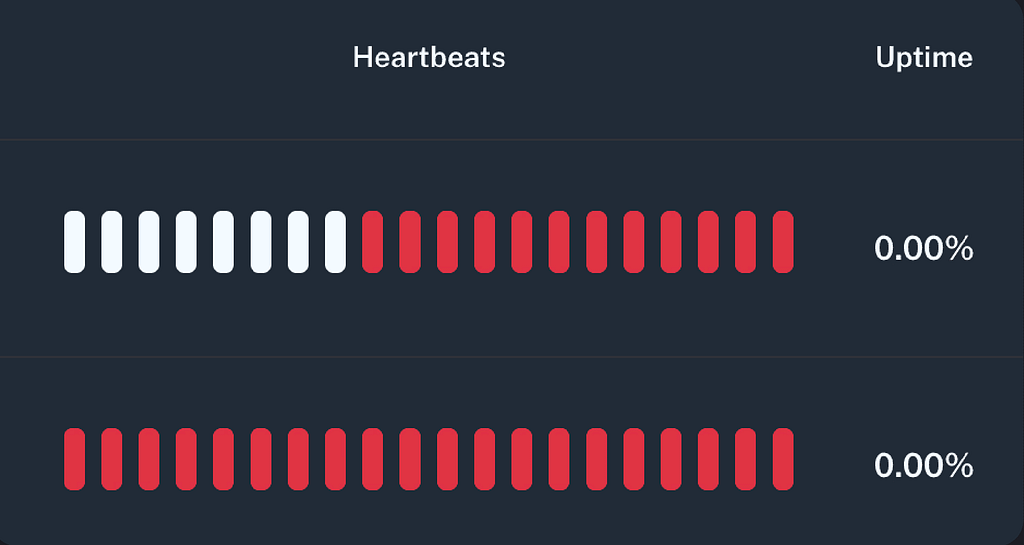
Parny Heartbeats provides a simple push-based mechanism for monitoring service health. Each system or component periodically sends heartbeat signals to Parny, confirming it is alive and functioning. If a heartbeat is missed or delayed, Parny immediately detects the anomaly and alerts the relevant teams. This proactive approach helps identify outages faster, minimizes downtime, and ensures reliable visibility into critical services.
How to Use Parny in Practice: Step-by-Step Guide
Here’s a practical workflow to get your team running on Parny:
Step 1: Sign Up & Initial Setup
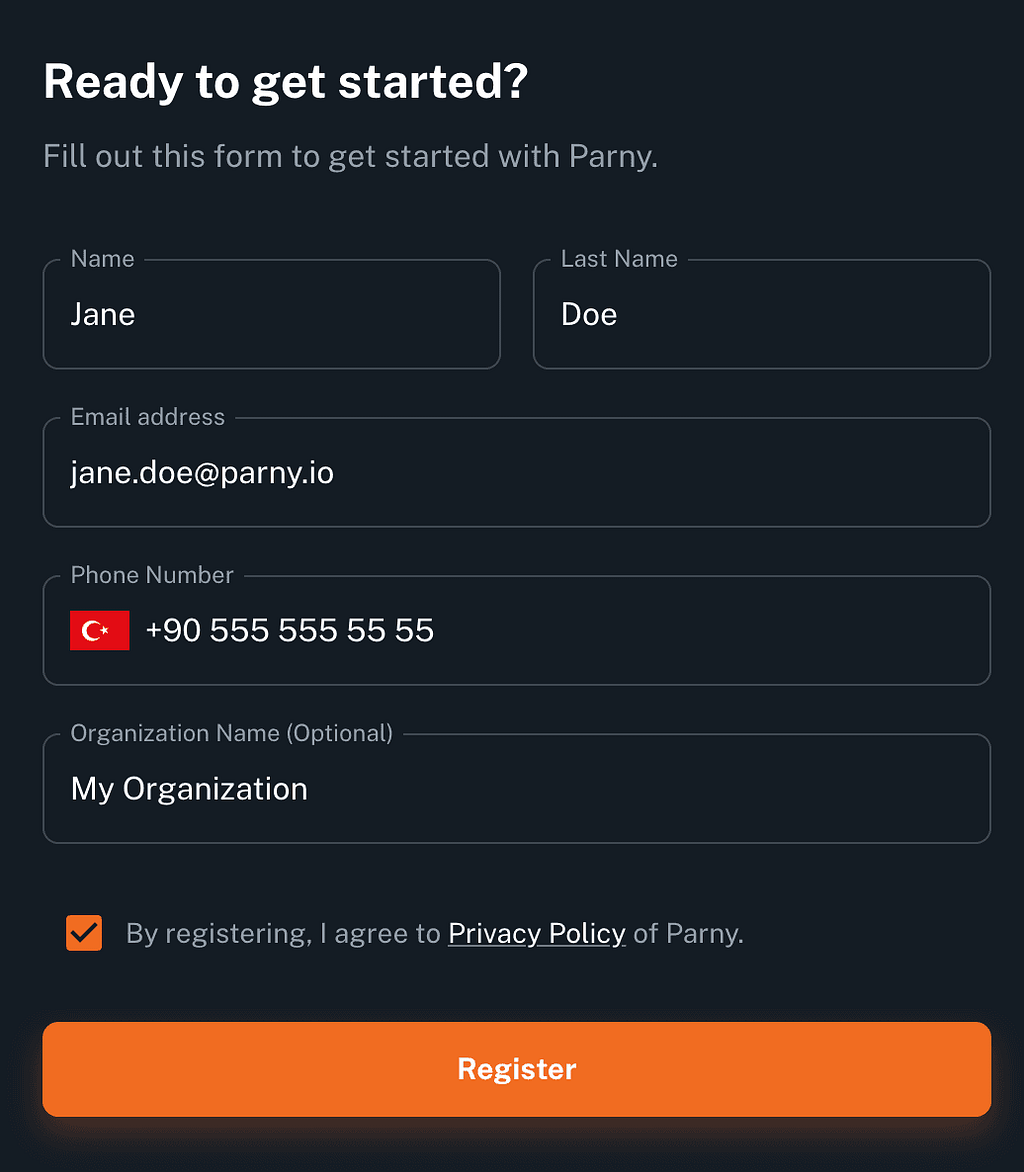
- Go to parny.io and create an account (free plan available).
- Invite your team and define user roles.
- Identify and define core services to monitor (e.g., database, API gateway, web server).
Step 2: Connect Monitoring Tools
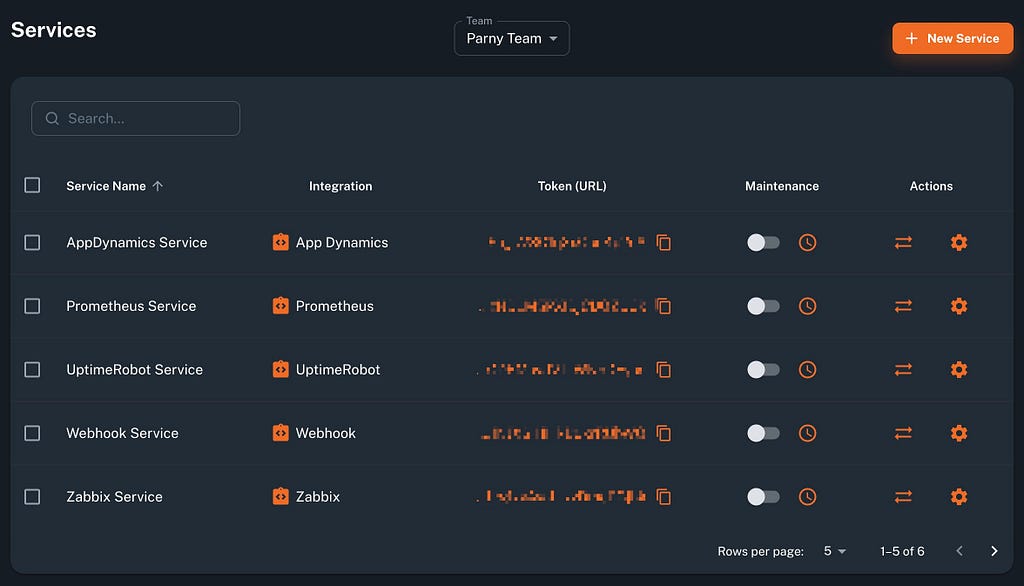
- Use webhooks or built-in integrations (Prometheus, AWS, etc.) to send alerts to Parny.
- Ensure metadata (severity, service, instance, description) is included for better categorization.
Step 3: Define On-Call Schedules & Escalations
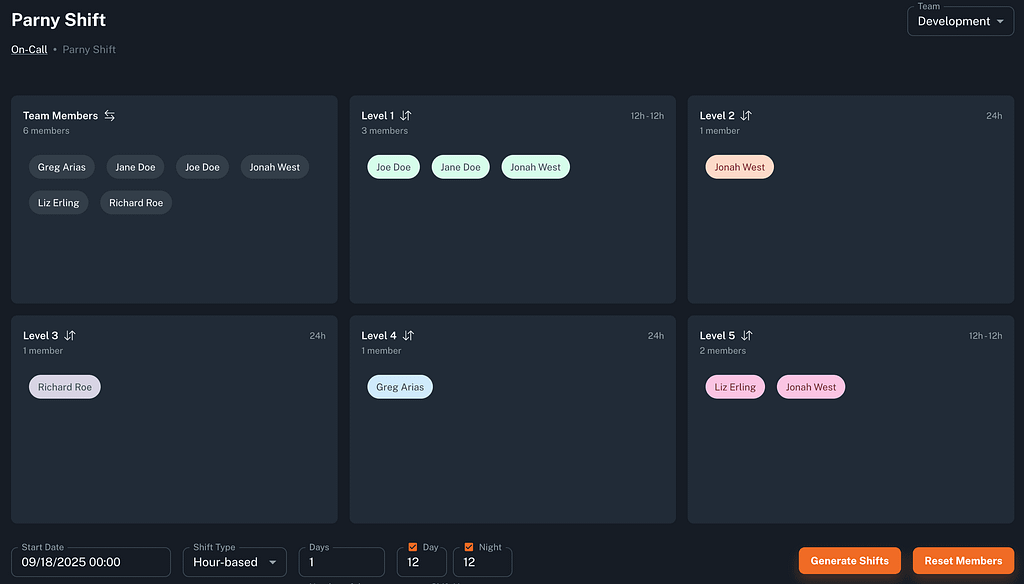
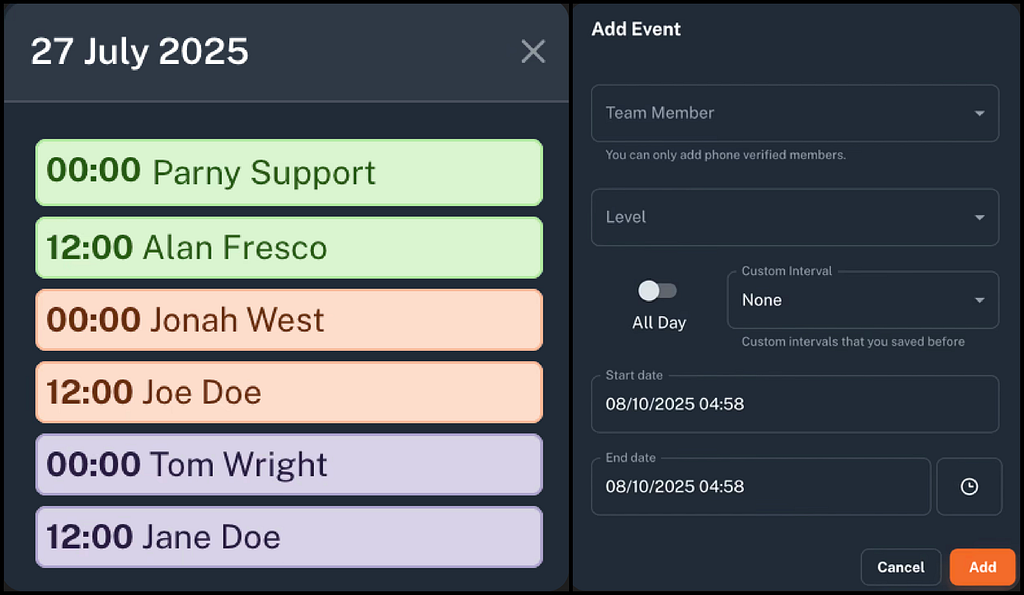
Configure duty rotations so coverage is fair.
- Set escalation policies: if the primary engineer doesn’t respond, escalate automatically.
- Define notification channels (Slack, email, SMS).
Step 4: Configure Alert Rules & Anomaly Detection
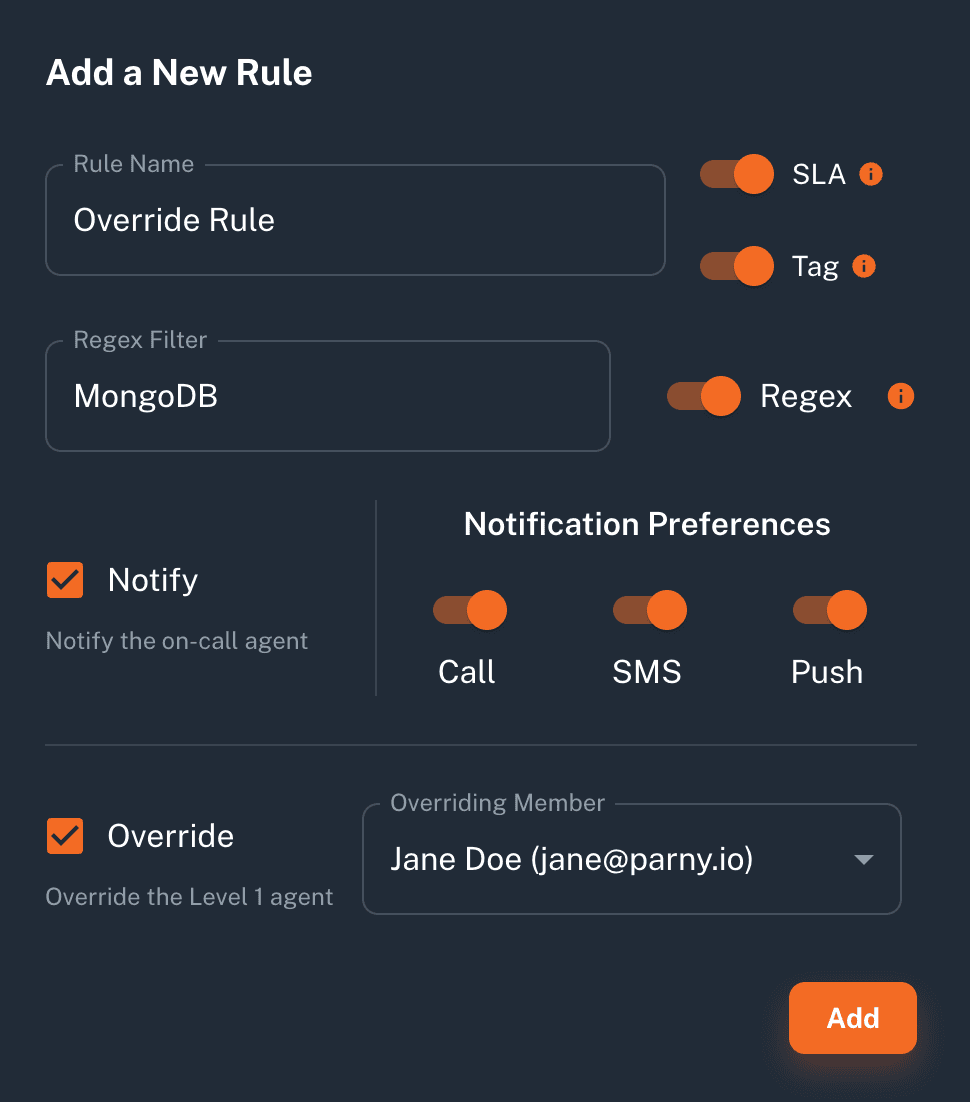
- Set rules to filter or group alerts, tagging critical ones.
- Enable AI anomaly detection to highlight unusual events across your alert streams.
Step 5: InfraMap & Dependency Mapping
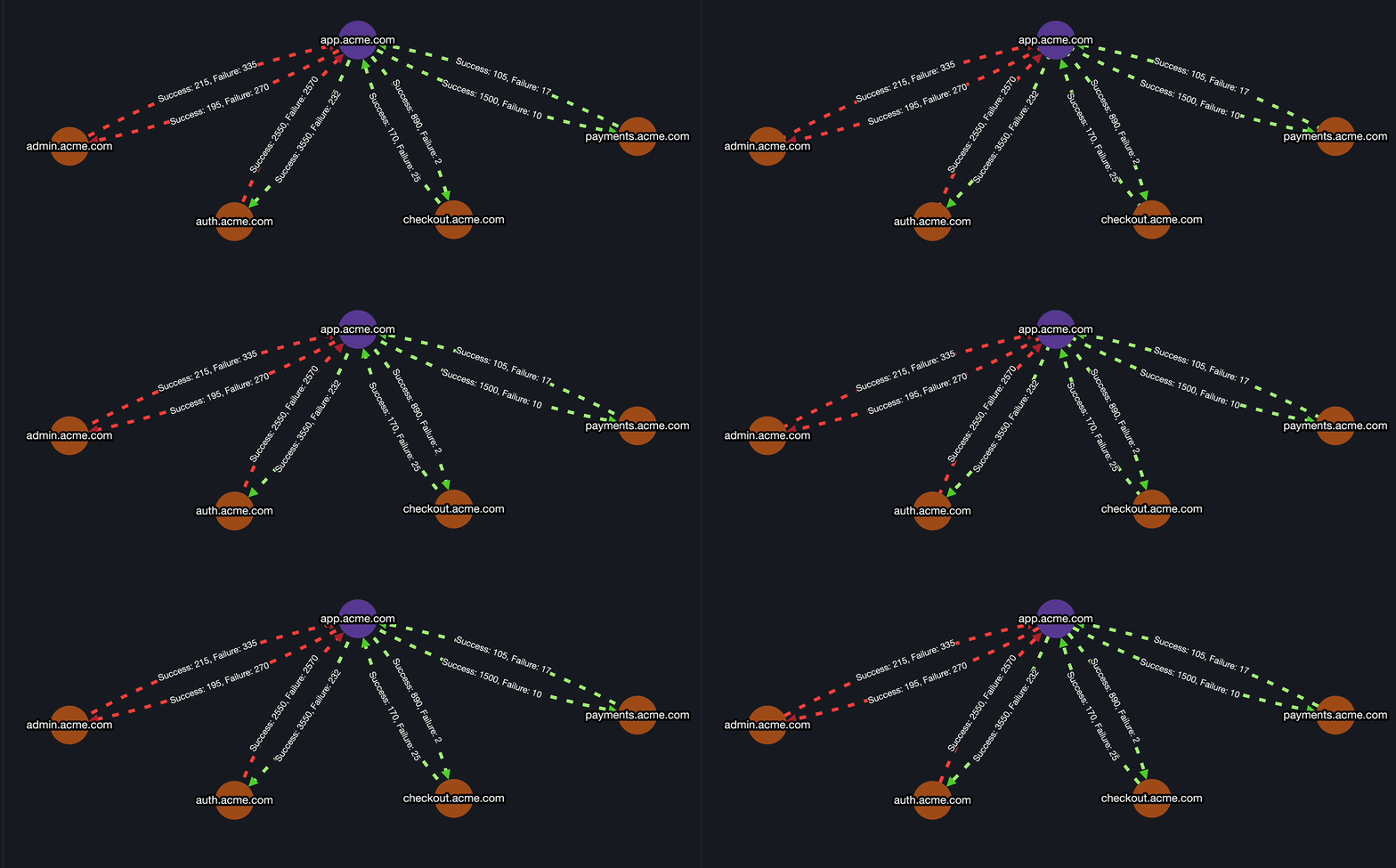
- Map all services and dependencies with Parny agent.
- Ensure that upstream/downstream relationships are visible during incidents for faster root-cause analysis.
Step 6: Uptime Monitoring with Pulse
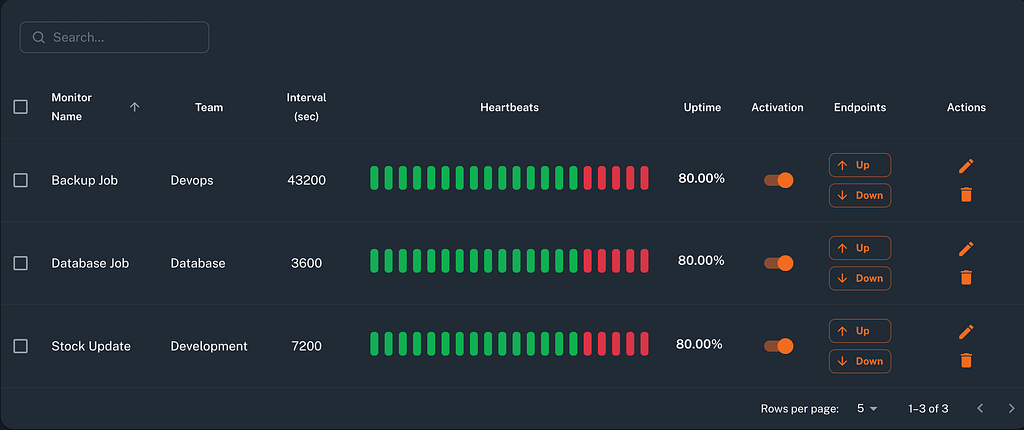
- Configure heartbeat checks for key services/sites.
- Set alert notifications for silent failures to catch outages early.
Step 7: Run Test Alerts & Incident Simulations
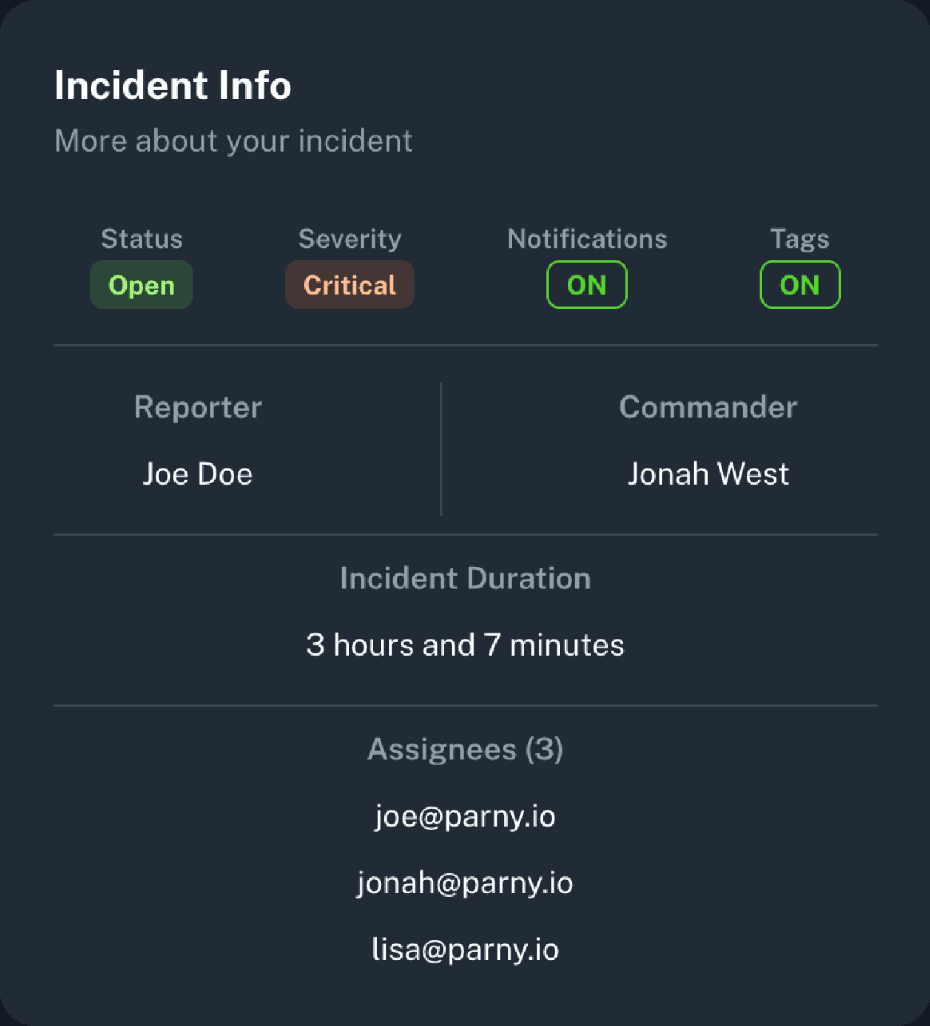
- Trigger test alerts to verify rules, notifications, and escalation flows.
- Simulate incidents to practice war-room collaboration and response workflows.
Step 8: Reports, Postmortems & Analytics
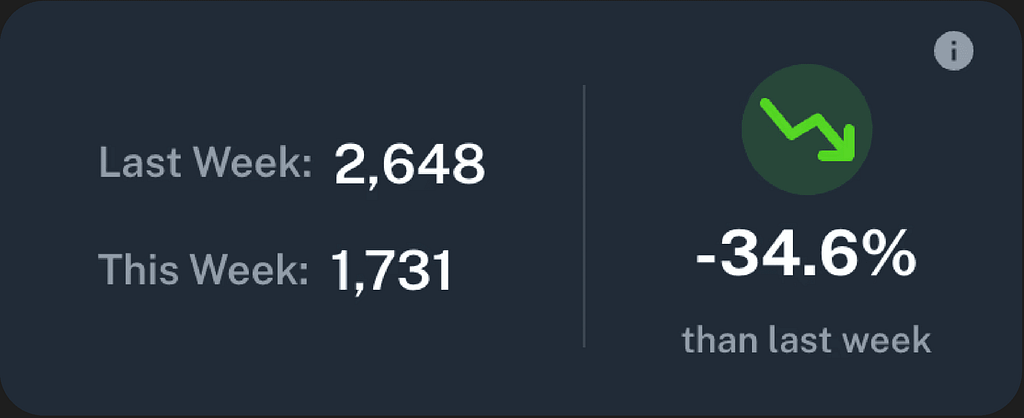
- After incidents, review postmortem reports and metrics.
- Identify recurring alert types, bottlenecks, and opportunities for process improvement.
- Adjust alert rules and thresholds over time to keep your system tuned.
Conclusion
On-call management isn’t just about 2 a.m. panic calls. It’s about structured, scalable, and stress-free incident response.
With Parny (parny.io), teams get AI-powered anomaly detection, real-time infrastructure mapping, robust incident workflows, alert filtering, uptime monitoring, and integrations. All in one platform.
Next Step: Open a free account, start with your core service, define an on-call schedule, connect one monitoring tool, and enable one alert rule. Iterate from there to make your incident management process smarter and faster.